Gaming: Asus Starts An 'immediate Internal Review' On Its 800-series...
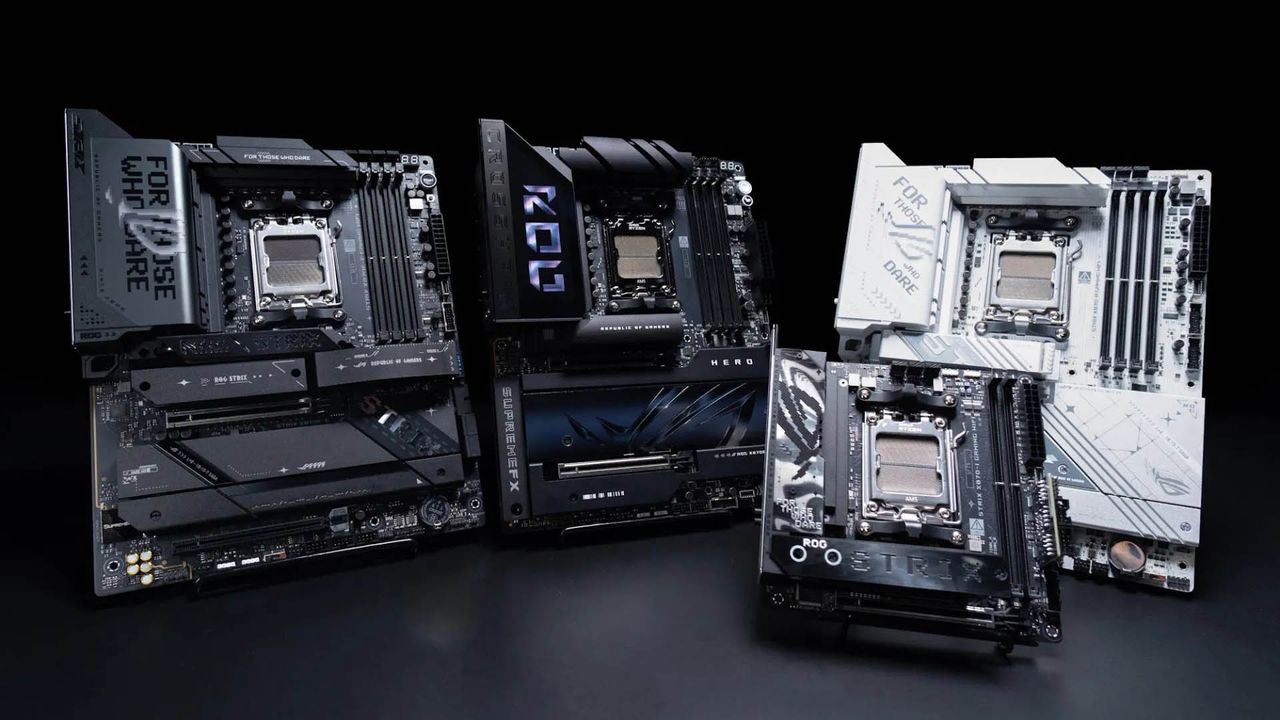
No solutions yet, but it's better than staying quiet on the whole matter.
Imagine that you'd just bought a new Ryzen 7 9800X3D, the best gaming CPU around right now. You drop it into your AM5 socket motherboard and start enjoying the freshly boosted frame rates. After a while, you then start experiencing all kinds of problems, until eventually your gaming PC no longer fires up: the CPU is dead. That's happened to some owners of ASRock motherboards, but it's also apparently occurring with Asus models, and the company has launched an investigation into it all.
In the case of the whole ASRock thing, the company was arguably a bit dismissive of the whole problem to begin with, before admitting that the BIOS on certain motherboards was allowing too much current to be drawn by the CPU in specific scenarios. A little while afterwards, AMD itself stated that "this issue arises because some ODM (original design manufacturer) BIOSes do not adhere to AMD's recommended values."
However, Ryzen chip failures haven't been exclusive to ASRock motherboards, and there have been reports of issues with models from all the key manufacturers: Asus, MSI, and Gigabyte. Without a detailed investigation into every single case, though, you just can't point the finger at these companies and say it's their fault. It might be, but it could also be more down to user error, or a combination of both.
Hence why Asus has issued a public statement on the matter: "We are aware of recent reports concerning AMD Ryzen 7 9800X3D CPUs and Asus AMD 800-series motherboards, and we have initiated an immediate internal review. Our teams are conducting preventive checks on product compatibility and performance, working closely with AMD to validate reported cases and ensure ongoing stability and quality. We are looking to provide timely solutions to ensure our products and services meet expected standards."
It goes on to recommend that users should "update their Asus AMD 800-series motherboard to the latest BIOS via Asus EZ Flash or BIOS Flashback to help ensure system stability; we provide an official technical support FAQ with detailed instructions."
And should you have experienced any issues yourself, then it says that you should "contact ASUS customer service for direct assistance. We take this matter seriously and value our customers’ trust, and we remain committed to transparency and to ensuring our products can be used with confidence." Though given Asus' history with customer service, you
Source: PC Gamer