Gaming: If Your Ryzen-powered PC Has An Am5 Asrock Motherboard And...
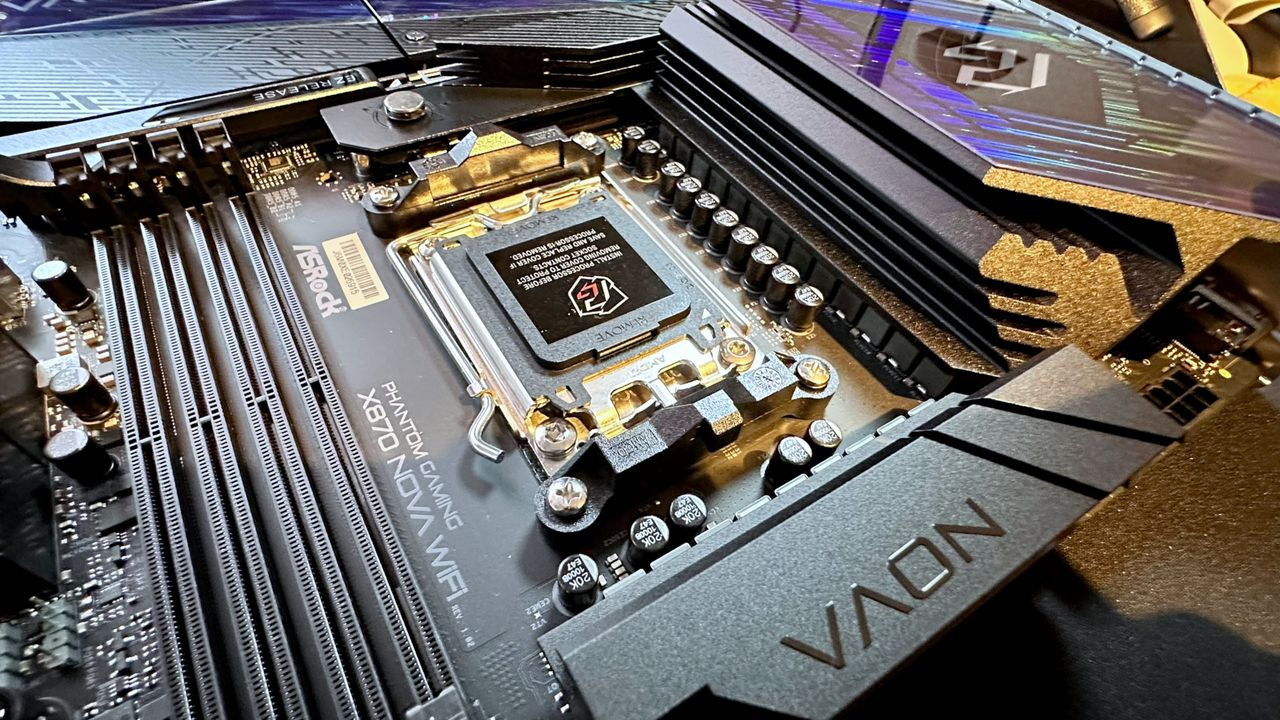
Of course, if it won't boot because the CPU is fried, no amount of BIOS tweakery will help.
Keep up to date with the most important stories and the best deals, as picked by the PC Gamer team.
Your weekly update on everything you could ever want to know about the games you already love, games we know you're going to love in the near future, and tales from the communities that surround them.
Our special GTA 6 newsletter, with breaking news, insider info, and rumor analysis from the award-winning GTA 6 O'clock experts.
From the creators of Edge: A weekly videogame industry newsletter with analysis from expert writers, guidance from professionals, and insight into what's on the horizon.
Hardware nerds unite, sign up to our free tech newsletter for a weekly digest of the hottest new tech, the latest gadgets on the test bench, and much more.
Sign up to our new Switch 2 newsletter, where we bring you the latest talking points on Nintendo's new console each week, bring you up to date on the news, and recommend what games to play.
Get sneak previews, exclusive competitions and details of special events each month!
Modern gaming PCs are relatively easy to build and use, but underneath that friendly exterior, they're still incredibly complicated things. So when they start doing weird stuff like refusing to boot after being used for a while, it can be really hard to solve the issue. However, if your PC is doing precisely that and uses an AM5 Ryzen processor in an ASRock motherboard, then the fix is actually very simple.
Specifically, all you need to do is update the BIOS to ASRock's newly announced beta version 4.07.AS01, which incorporates AMD's latest AGESA ComboAM5 PI 1.3.0.0a (don't you just love short, snappy tech names?). Just head over to this list of all AM5 ASRock motherboards to the right update for your rig.
Source: PC Gamer