Microsoft's New Guide To PC Gaming Hardware Is Very Slightly More...
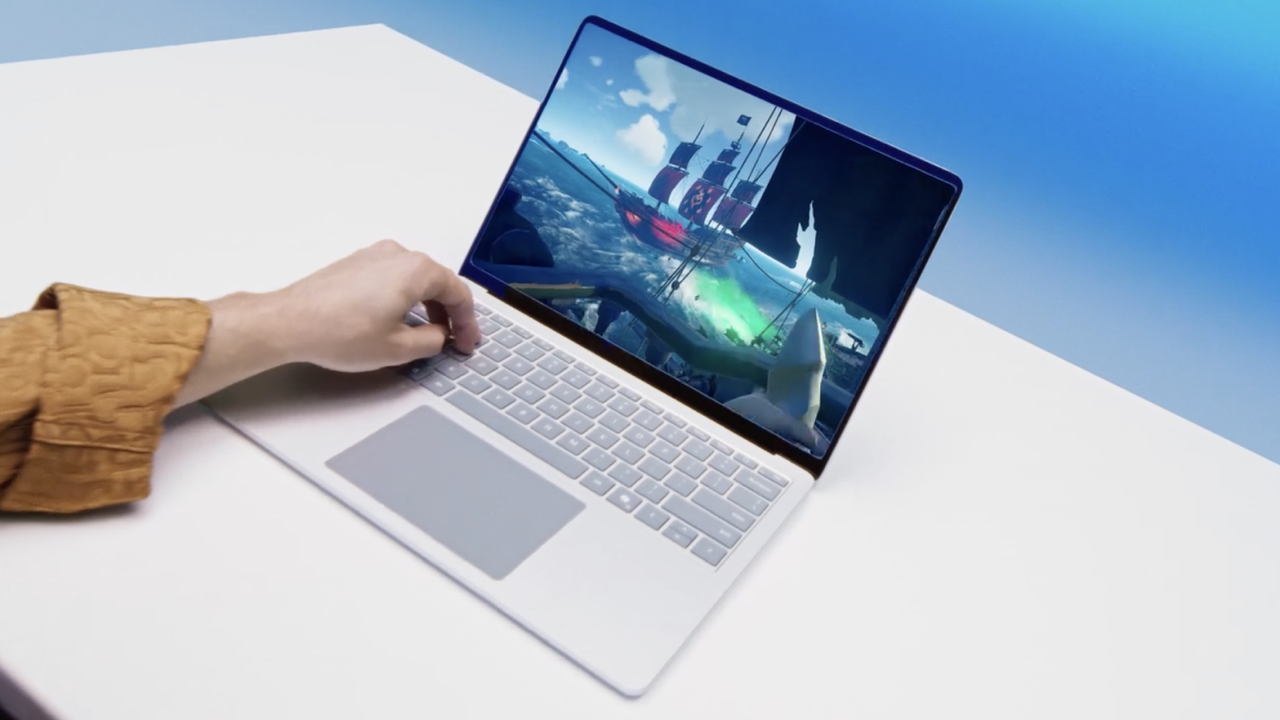
The shameless plug for Copilot+ AI PCs is a turn-off, too.
Here's one we missed a few weeks ago. Microsoft has posted a new guide to PC gaming hardware. It's a pretty broad overview and not actually a completely terrible starting point for PC hardware novices. But there are some frustrating oversimplifications, some notable omissions and at least one example of unforgivable marketing nonsense involving Microsoft's Copilot+ PC standard.
Titled "How to optimize your gaming PC setup," the guide touches on most key hardware issues, albeit with one fairly obvious omission. It kicks off with CPU and GPU recommendations.
Frankly, an actually useful guide to all the currently available CPU and GPU options would make for a lengthy dissertation on its own. So Microsoft boils it down, thus:
Entry-level gaming (1080p, medium settings)CPU: At least a modern quad-core like AMD Ryzen 5 5600 or Intel Core i5-12400GPU: NVIDIA GTX 1660 Super or AMD Radeon RX 6600
Mid-range gaming (1440p, high settings)CPU: 6-core or better, such as AMD Ryzen 5 7600 or Intel Core i5-13600KGPU: NVIDIA RTX 3060 Ti / 4060 Ti or AMD Radeon RX 6700 XT
High-end/4K gamingCPU: 8-core or better, like AMD Ryzen 7 7800X3D or Intel Core i7-13700KGPU: NVIDIA RTX 4080 or AMD Radeon RX 7900 XTX
While one could certainly pick holes in that, it's a reasonable enough summary. The main problem is that it only mentions a small fraction of the available CPU and GPU options. Where does, for instance, an Nvidia RTX 5070 fit in, exactly? Microsoft doesn't say.
Keep up to date with the most important stories and the best deals, as picked by the PC Gamer team.
Microsoft goes on to explain that you should, "pair your GPU with your monitor’s refresh rate. If your monitor tops out at 144 Hz, you won’t see a benefit from a GPU that can push 240 fps—save your budget for faster storage or a better cooling solution."
Source: PC Gamer