My New Favorite Deep Windows Lore: Microsoft Once Broke Its...
There's something I find deeply funny about the use of copyright and trademark symbols in games. I get why these symbols are important in legal contexts, but, like, was it actually vital to display ® or ™ next to every character's name in the Dragon Ball Z Budokai 3 fighting game on the PlayStation® 2? Everybody knows you own Goku, dawg. They can't steal him just because you didn't slap down that icon somewhere.
But I suppose corporate legal departments often get their way, even when the end result looks silly or causes actual headaches. I recently learned about a perfect example of the latter by reading about Windows Bluetooth drivers, and I swear to god it's both more interesting and funnier than you're expecting any story about Windows Bluetooth drivers could possibly be.
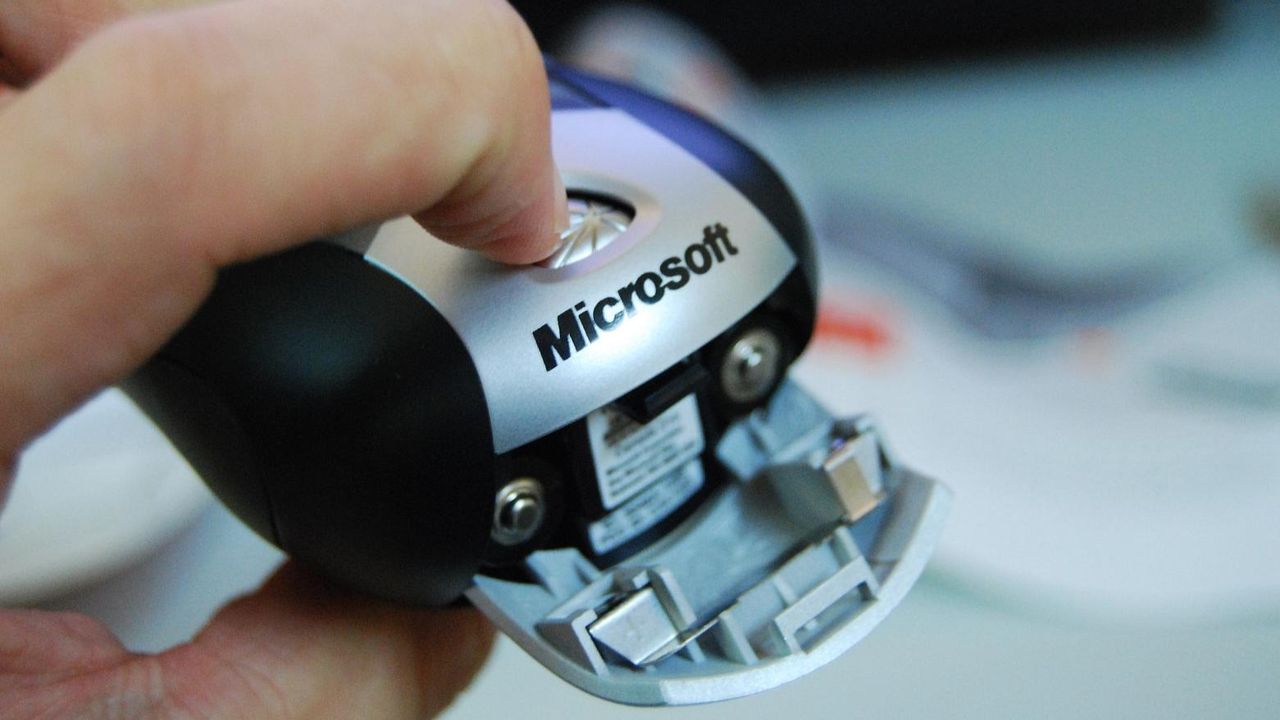
Back in 2006, Microsoft released a seemingly innocuous device called the Microsoft Wireless Notebook Presenter Mouse 8000. This was only about four years after the company's first-ever Bluetooth mouse; the technology was still pretty new at the time and wouldn't become the go-to for wireless office mice for another decade. The Presenter Mouse wasn't focused on accuracy or polling rate like a gaming mouse; its gimmick was that it had a bunch of buttons on the bottom for going forward and backwards in a PowerPoint presentation, changing volume, etc. It was for presentations. Like I said, innocuous.
Turns out the Microsoft Wireless Notebook Presenter Mouse 8000 is also infamous, at least among programmers who regularly go digging through the bowels of Windows driver code. Because deep inside Windows' Bluetooth drivers you can actually find the name of the mouse, written out in plain English. This is highly unusual.
"Does the Microsoft Wireless Notebook Presenter Mouse 8000 receive favorable treatment from the Microsoft Bluetooth drivers? Is this some sort of collusion? No, it’s not that," veteran Microsoft developer Raymond Chen recently wrote on his insider blog The Old New Thing.
As Chen explained, there are loads of sketchy devices out there that don't behave how they're supposed to when you plug them in. Maybe they don't properly follow the rules of the USB protocol. Maybe someone made a tiny typo that slipped through the cracks. Maybe they thought they were following the rules because the version of Windows they tested on wasn't actually validating some security requirement, but a later update tightened up its standards.
Keep up to date with the most important stories and the b
Source: PC Gamer