New 5 Reasons Why Attackers Are Phishing Over Linkedin 2025
Phishing attacks are no longer confined to the email inbox, with 34% of phishing attacks now taking place over non-email channels like social media, search engines, and messaging apps.
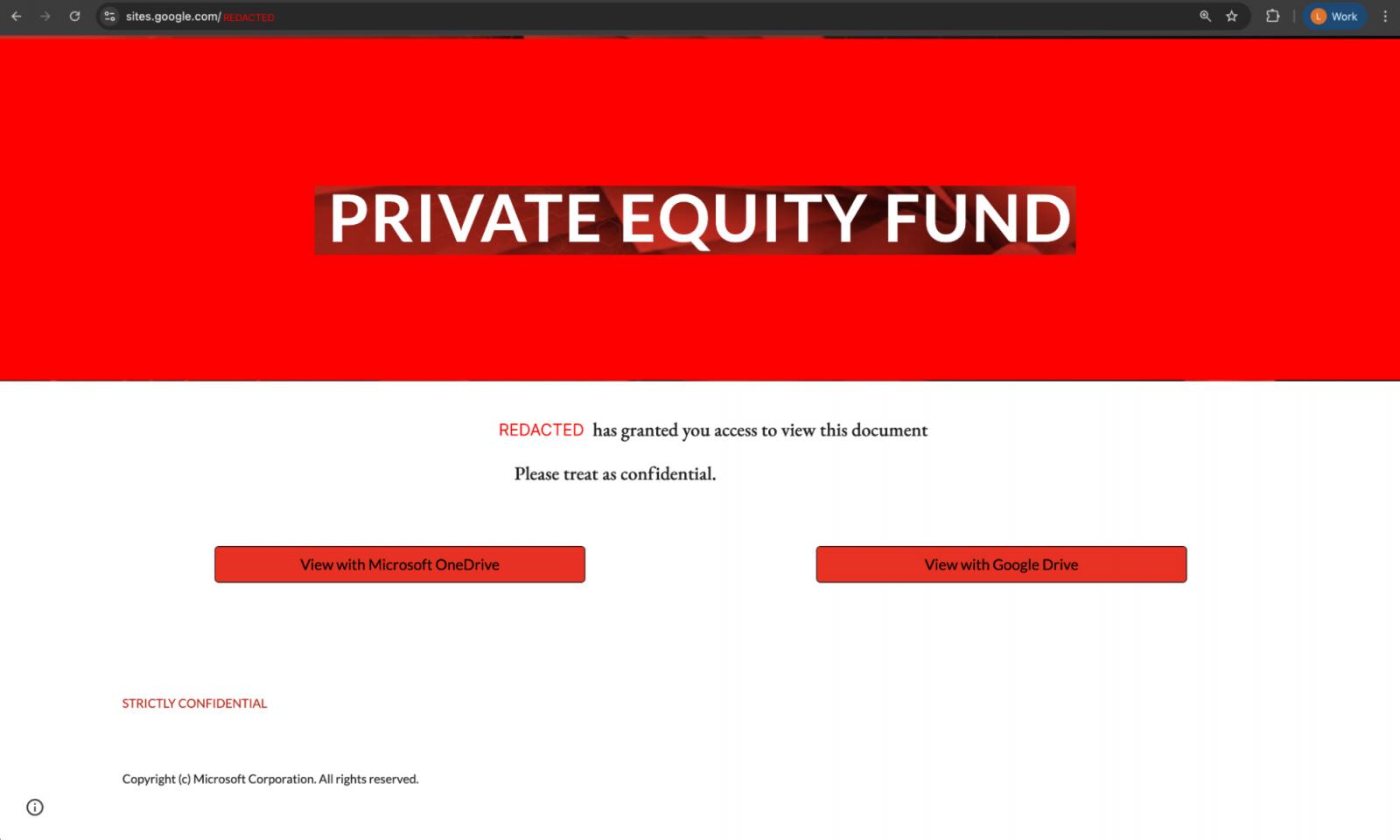
LinkedIn in particular has become a hotbed for phishing attacks, and for good reason. Attackers are running sophisticated spear-phishing attacks against company executives, with recent campaigns seen targeting enterprises in financial services and technology verticals.
But phishing outside of email remains severely underreported — not exactly surprising when we consider that most of the industry’s phishing metrics come from email security tools.
Your initial thought might be “why do I care about employees getting phished on LinkedIn?” Well, while LinkedIn is a personal app, it’s routinely used for work purposes, accessed from corporate devices, and attackers are specifically targeting business accounts like Microsoft Entra and Google Workspace.
So, LinkedIn phishing is a key threat that businesses need to be prepared for today. Here’s 5 things you need to know about why attackers are going phishing on LinkedIn — and why it’s so effective.
LinkedIn DMs completely sidestep the email security tools that most organizations rely on for phishing protection. In practice, employees access LinkedIn on work laptops and phones, but security teams have no visibility into these communications. This means that employees can be messaged by outsiders on their work device without any risk of email interception.
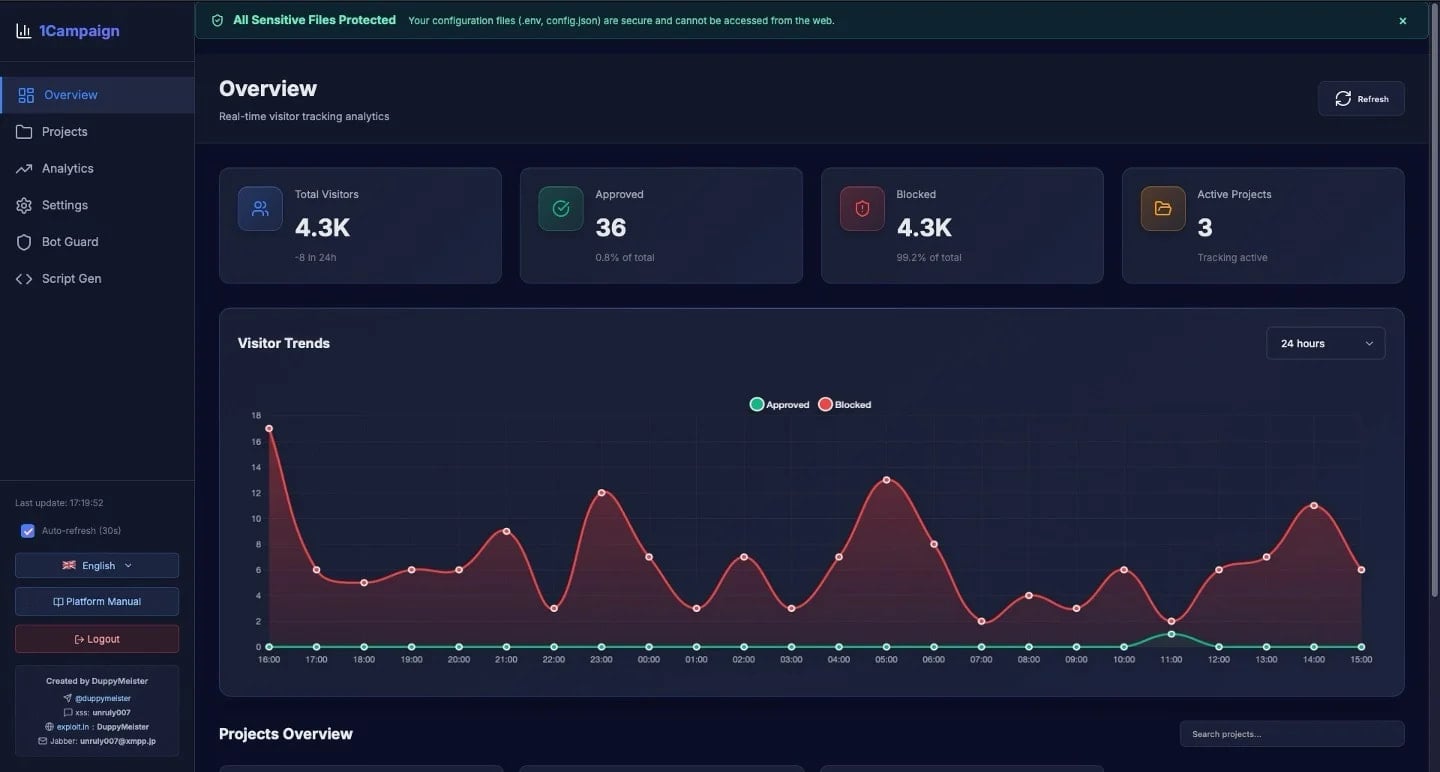
To make matters worse, modern phishing kits use an array of obfuscation, anti-analysis, and detection evasion techniques to get around anti-phishing controls based on the inspection of a webpage (such as web crawling security bots), or analysis of web traffic (such as a web proxy). This leaves most organizations left relying on user training and reporting as their main line of defense — not a great situation.
But even when spotted and reported by a user, what can you really do about a LinkedIn phish? You can’t see which other accounts were targeted or hit in your user base. Unlike email, there’s no way to recall or quarantine the same message hitting multiple users. There’s no rule you can modify, or senders you can block. You can report the account, and maybe the malicious account will get frozen — but the attacker has probably got what they needed by then and moved on.
Most organizations simply block the URLs involved. But this doesn’t really help when attackers are rapidly
Source: BleepingComputer