Windows 11 Is Going To Start Quietly Preloading File Explorer In...
Other than the addition of tabs, Windows' file Explorer hasn't felt meaningfully improved in a long time.
In the latest Windows Insider beta update released November 21, Microsoft announced the arrival of its full-screen Xbox experience for laptops and desktops alongside a number of other new features and fixes big and small, with one particular area of change catching my eye: what it's doing with File Explorer.
"We’re exploring preloading File Explorer in the background to help improve File Explorer launch performance," Microsoft explained in a blog post on Friday. "This shouldn’t be visible to you, outside of File Explorer hopefully launching faster when you need to use it." (The option can be toggled off, if you don't want it enabled).
As Tom Warren noted at The Verge, Microsoft did something similar earlier this year for Office, adding a feature called "Startup Boost" that loads parts of the Word application in the background so that it can launch more quickly. While I'm all for snappy software, I am a bit skeptical that either Word or the File Explorer should be such heavy applications that they need to be silently loading elements in the background before you click on them. Microsoft is also removing a lot of cruft from the File Explorer context menu, as shown in the image above. Perhaps it's no coincidence that debloating Windows 11 has become a popular developer pastime.
Anecdotally, the speed at which File Explorer opens has never bothered me, but it has annoyed me for years now that one of Windows' most basic tools seems incapable of quickly loading in thumbnails for folders full of photos or videos, even when running on a fast, modern CPU and a top-of-the-line NVMe SSD. Since Microsoft makes no mention of improving File Explorer's performance in general, I'm taking this news as motivation to finally do something I've been lazily procrastinating for years: ditching Explorer in favor of an alternative file manager.
There are actually loads of options, which perhaps speaks to how much room for improvement there is over Microsoft's own tool.
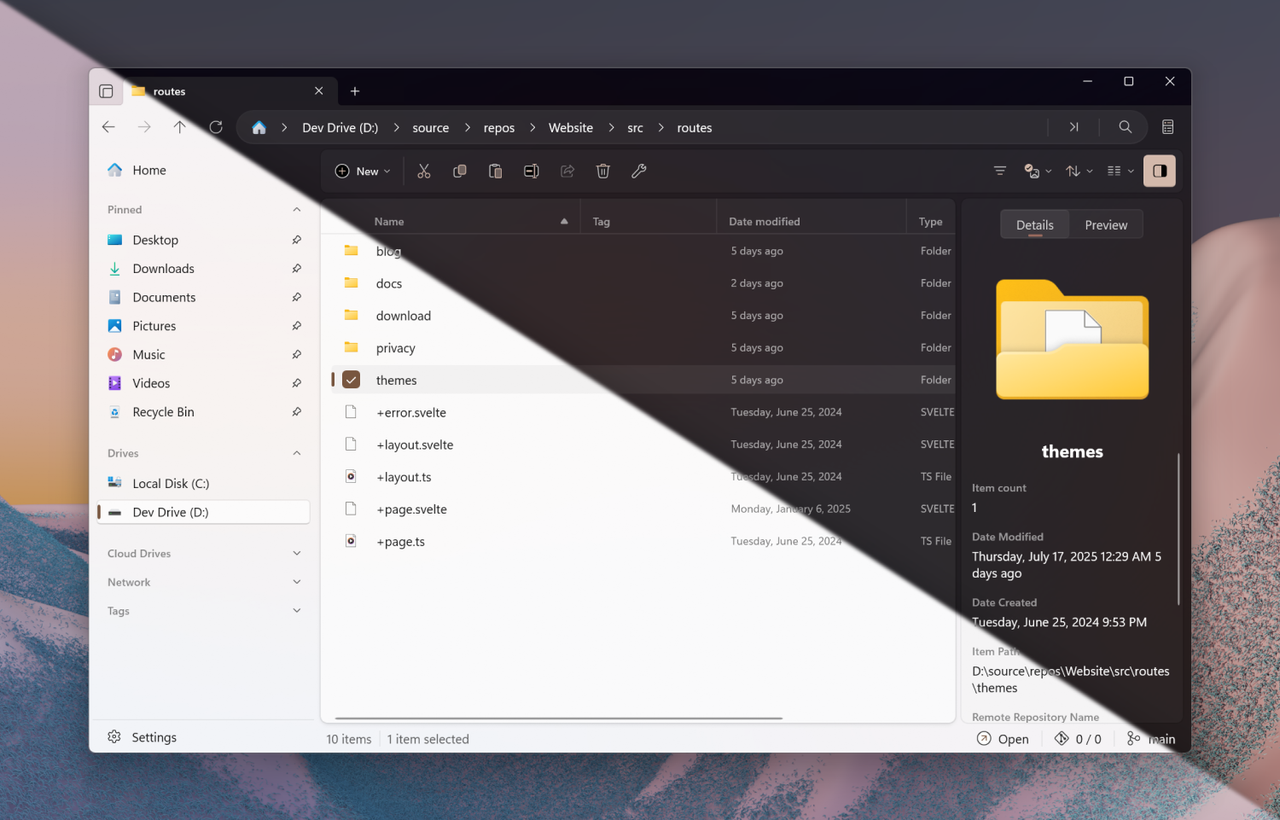
I'm going to spend the next couple months trying out two of the most popular picks. First is Files, a free, open source solution you can grab on Github or the Microsoft Store. It includes the one good feature MIcrosoft added to File Explorer in Windows 11 (tabs), alongside a ton of stuff File Explorer doesn't have: tags for files, custom themes, a dual-pane view for quickly dealing with two folders at once
Source: PC Gamer