Gaming: I've Spent Two Days With Elgato's New Wave Link Free Audio Mixing...
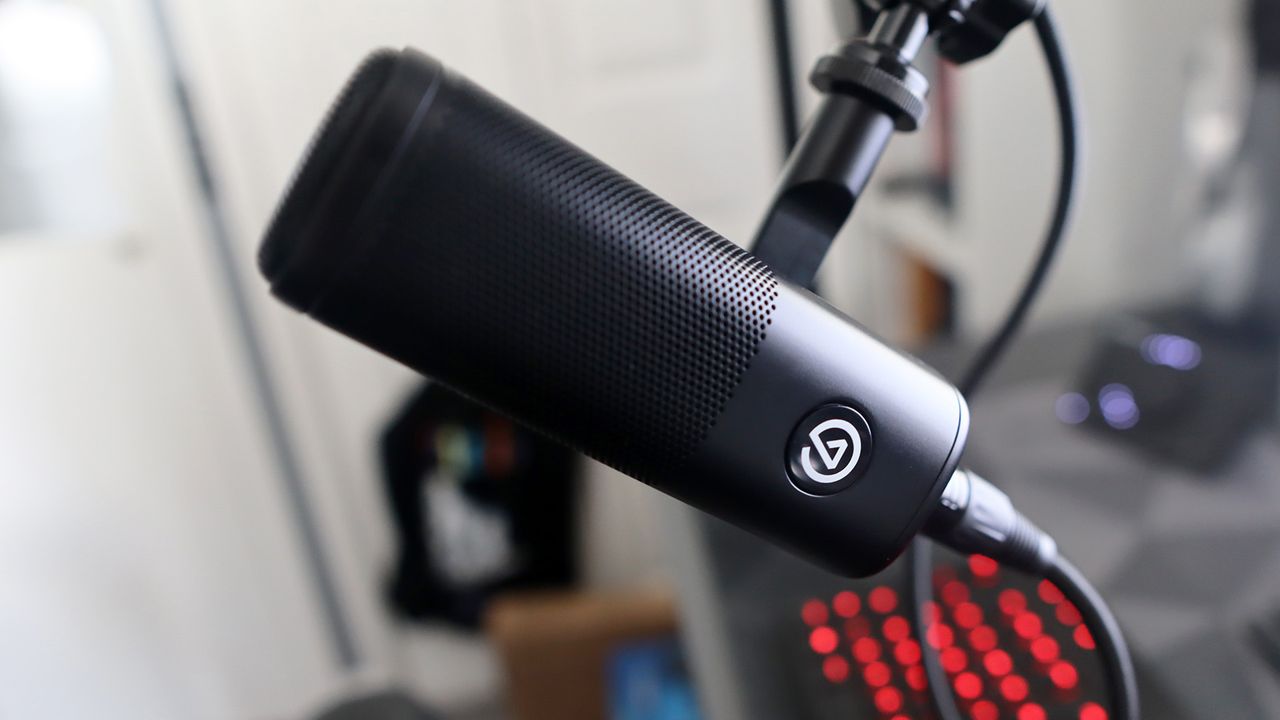
Though it does make the big new Stream Deck less desirable.
Keep up to date with the most important stories and the best deals, as picked by the PC Gamer team.
When I saw that Elgato's Wave Link audio mixing software now supports non-Elgato microphones, I got quite excited. I don't have an Elgato microphone, but I do care about my audio quality on my PC for a range of uses. So let's see whether it's worth an install.
The Wave Link is a mixer for microphones and output devices that can add effects and adjust sound on the fly from any source. Where you'd previously need a Wave microphone or XLR unit, it now accepts any input that your Windows or Mac device recognises.
The updated Wave Link app has up to five mix tabs and allows up to eight different sources. Effectively, this means if I want to stream, I can customise the mix of multiple outputs to be different to how they might sound when I'm offline or playing games.
This could be making a game lower volume on stream or making Discord sounds higher to more effectively hear chat. It's intuitive, easy-to-understand, and quite effective. 'Chrome' appears as 'Google Chat Download' for me, which is mildly confusing, but that's the only real hiccup I had setting everything up.
This in itself is a decent replacement for a full-on mixer, but it actually gets more interesting with the option to add effects. You can individually add compressors, de-essers, EQ, and more to outputs. Ones you've acquired some yourself, or downloaded through the Elgato marketplace. Not everything here is free, unfortunately, but there are some solid free effects that are easy to set up.
If you think the fluctuation in the dynamics between Spotify or Chrome is too jarring, throw a compressor and limiter on there to fix it yourself. This is neat, and swapping between different presets merely requires clicking on whichever mix you want to use.
There is a downside here, though. Effects are added at the beginning of a mixer stack, which means you can't set a de-esser on Chrome for just your personal mix and leave sound untreated in your stream mix. You can't even get around this limitation by adding two versions of Chrome to your stack. You can apply and unapply effects with the quickness of a button, though, so it's not a huge problem in my book
Keep up to date with the most important stories and the best deals, as picked by the PC Gamer team.
Source: PC Gamer